Tutorial: running a simulation through the command line interface
This tutorial will simulate a similar scenario as the interactive mode tutorial, but using the command line interface instead.
Installation
If you haven’t installed MetaSpread yet, use the following command:
pip install metaspread
or:
python -m pip install metaspread
Running metaspread
Once installed, create a folder for this tutorial project. For example, this command will create a folder called “tutorial-interactive”: .. code-block:: console
mkdir tutorial-cli
Then, navigate to this folder: .. code-block:: console
cd tutorial-cli
Running a Simulation
Editing the parameters: if you followed the interactive mode tutorial, you should already have changed
grids_number,extravasation_probsandsecondary_sites_vessels. So there is no need to change the parameters again. If you haven’t done so, follow the instructions at tutorial-interactive.Start a simulation: run the following command in the terminal:
python -m metaspread run 300 30Wait for the simulation to finish.
Postprocessing the simulation: once the simulation is finished, you can apply all the postprocessing tools by using the following command:
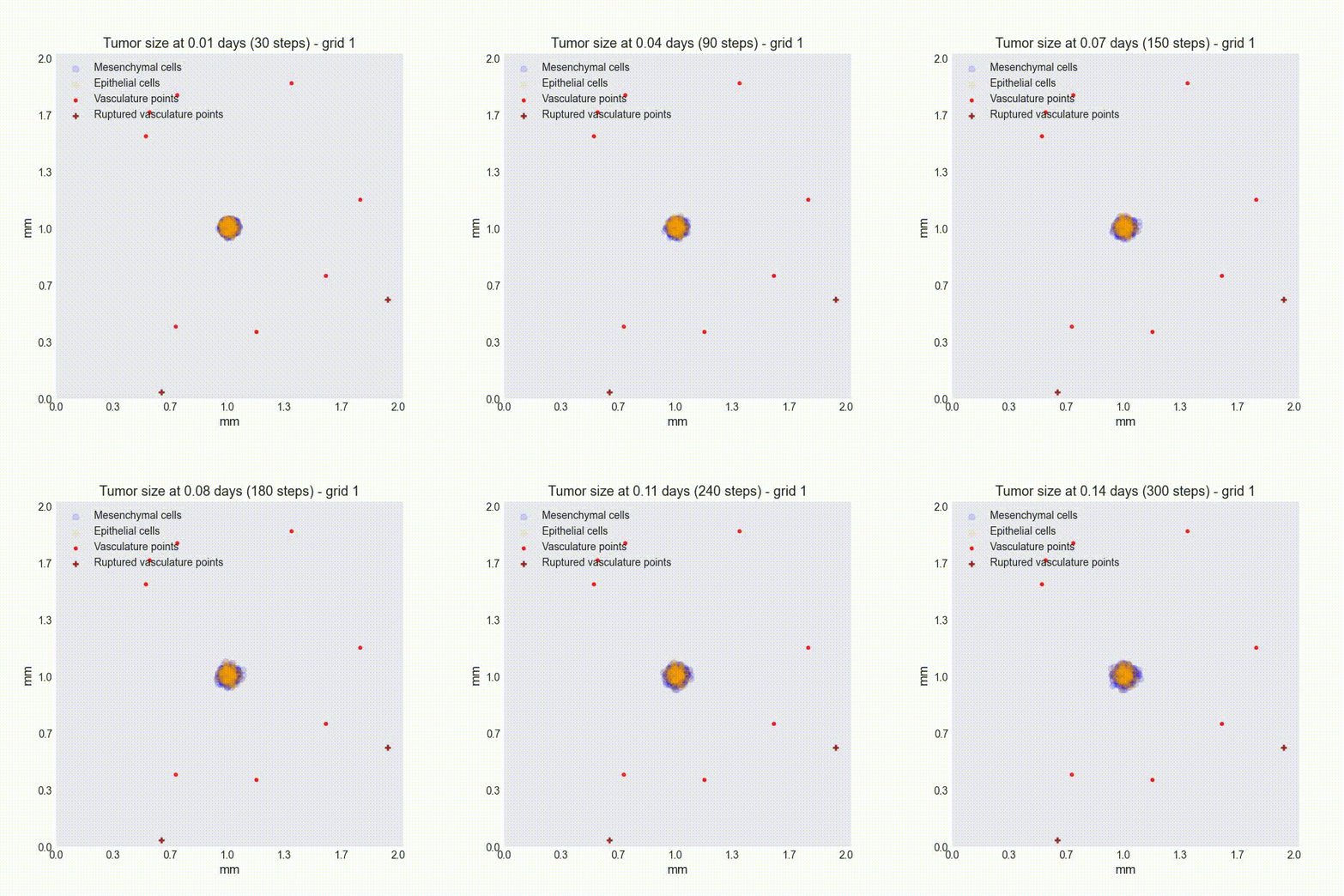
python -m metaspread postprocess all Sim-max_steps-300-collection_period-30-cells-388-grids_number-2 10 1Visualize the results: Enter the Videos directory inside the Sim-max_steps-300-collection_period-30-cells-388-grids_number-2 directory and check the results. You should get something like the following: